Bewegen. Behandeln. Bewahren.
Gesundheit ist mehr als die Abwesenheit von Schmerz. Sie ist volle Bewegungsfreiheit, echtes Wohlbefinden und ein stetiges Gefühl von Stärke.
Gesundheit ist mehr als die Abwesenheit von Schmerz. Sie ist volle Bewegungsfreiheit, echtes Wohlbefinden und ein stetiges Gefühl von Stärke.
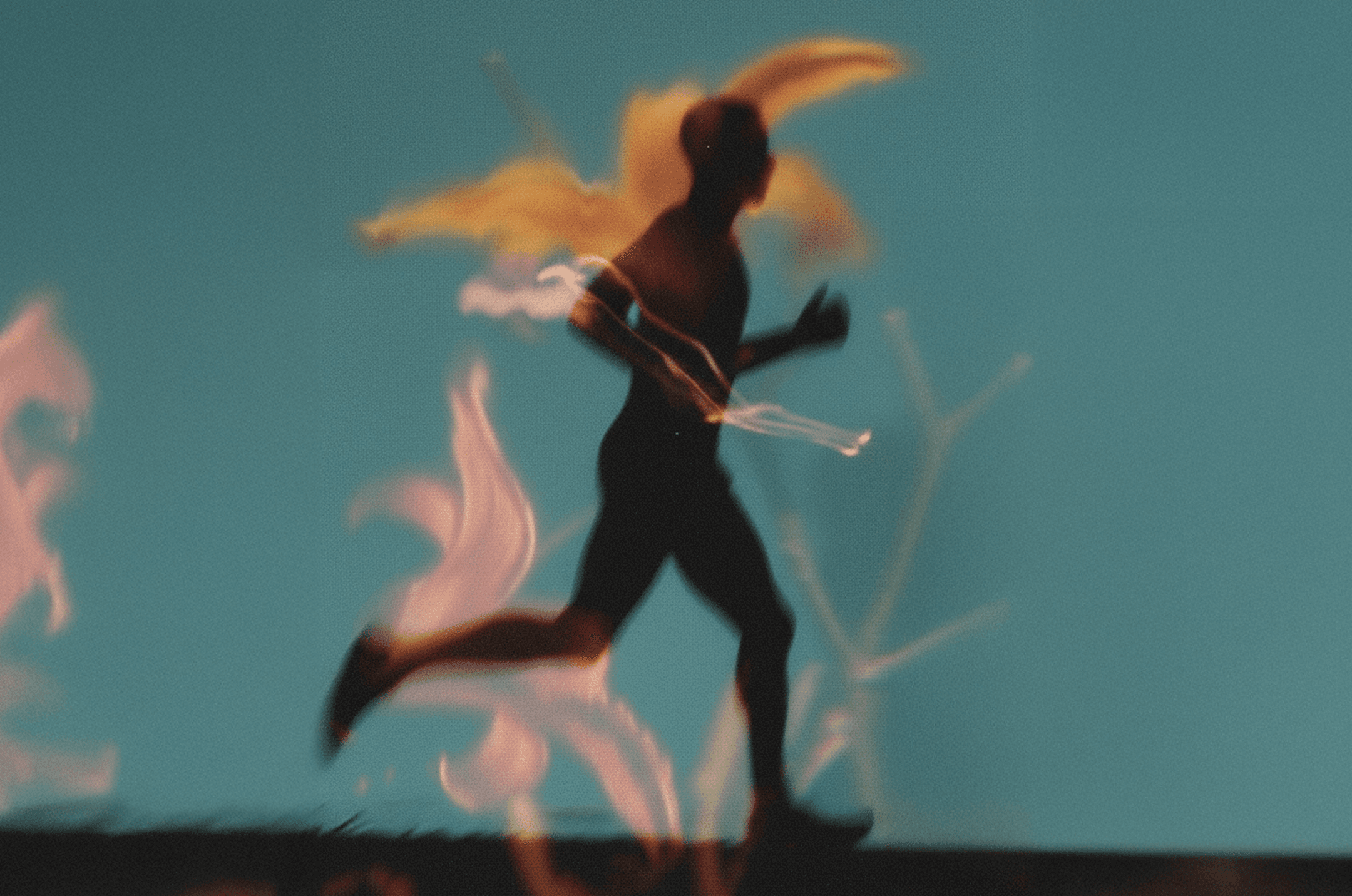
Wir sind für Ihre Gesundheit da, nicht nur für Ihre Beschwerden. Wir kombinieren funktionelles Training, Osteopathie & Physiotherapie individuell nach Ihren Bedürfnissen.
Wir sind für Ihre Gesundheit da, nicht nur für Ihre Beschwerden. Wir kombinieren funktionelles Training, Osteopathie & Physiotherapie individuell nach Ihren Bedürfnissen.
Physiotherapie
Schmerzen behandeln
Ostheaphie
Blockaden lösen
Functional Training
Kraft aufbauen
Zuverlässigkeit und Behandlung genau so, wie man es sich wünscht.
Ich bin Spieler beim Berliner SC und hatte einen Riss im Hüftbeuger.
Vom Moment der Verletzung bis zu meiner vollständigen Genesung wurde ich bestens betreut.
Die Behandlungen halfen mir, Tag für Tag Fortschritte zu machen, und das zusätzliche Krafttraining sorgte für das perfekte Gleichgewicht.
Zuverlässigkeit und Behandlung genau so, wie man es sich wünscht.
Ich bin Spieler beim Berliner SC und hatte einen Riss im Hüftbeuger.
Vom Moment der Verletzung bis zu meiner vollständigen Genesung wurde ich bestens betreut.
Die Behandlungen halfen mir, Tag für Tag Fortschritte zu machen, und das zusätzliche Krafttraining sorgte für das perfekte Gleichgewicht.
Anya Powicz
Google Bewertung lesen
Visit us
Visit us
Next apointment available in 5 days
Next apointment available in 5 days
Leibnizstraße 30, 10625 Berlin
Leibnizstraße 30, 10625 Berlin
Leibnizstraße 30, 10625 Berlin
Read to learn more

See all articles
How do I draw Frames?
To draw a Frame, click on Layout in the Toolbar, then select Frame. Now, you can click and drag anywhere on the Canvas.
How do I add images?
To add an image, select any Frame, and either double-click on it, or go to the Fill property. In the Fill property, switch to the image icon. Here, you can upload images.
How do I add videos?
To add a video to your site, click the “Insert” button and navigate to the “Media” section. Then, drag and drop a video component onto the Canvas.
How do I draw Frames?
To draw a Frame, click on Layout in the Toolbar, then select Frame. Now, you can click and drag anywhere on the Canvas.
How do I add images?
To add an image, select any Frame, and either double-click on it, or go to the Fill property. In the Fill property, switch to the image icon. Here, you can upload images.
How do I add videos?
To add a video to your site, click the “Insert” button and navigate to the “Media” section. Then, drag and drop a video component onto the Canvas.
How do I draw Frames?
To draw a Frame, click on Layout in the Toolbar, then select Frame. Now, you can click and drag anywhere on the Canvas.
How do I add images?
To add an image, select any Frame, and either double-click on it, or go to the Fill property. In the Fill property, switch to the image icon. Here, you can upload images.
How do I add videos?
To add a video to your site, click the “Insert” button and navigate to the “Media” section. Then, drag and drop a video component onto the Canvas.
Legal
Impressum
Terms and conditions
Social
Contact
+49 (0)15227372815
info@osteomove.com